5 Awesome Browserless Alternatives
 Yulei Chen
Browserless is a headless Chrome browser as a service. It handles web scraping, screenshot capture, PDF generation, and automated testing through a simple REST API. The cloud plans start with a free tier (1,000 units/month), but paid plans range from $25/month (Prototyping) to $350/month (Scale), and costs can climb fast when you need more concurrency or longer sessions.
If you want full control and predictable pricing, you can self-host Browserless on Sliplane for just €9/month per server, with no per-unit fees, no session limits, and no shared resources. Check out our easy deploy guide to get started in minutes.
But maybe Browserless isn't the right fit for your use case. Maybe you need AI-native browser control, built-in stealth features, or a fully open-source solution. Let's look at 5 awesome alternatives!
1. Browserbase
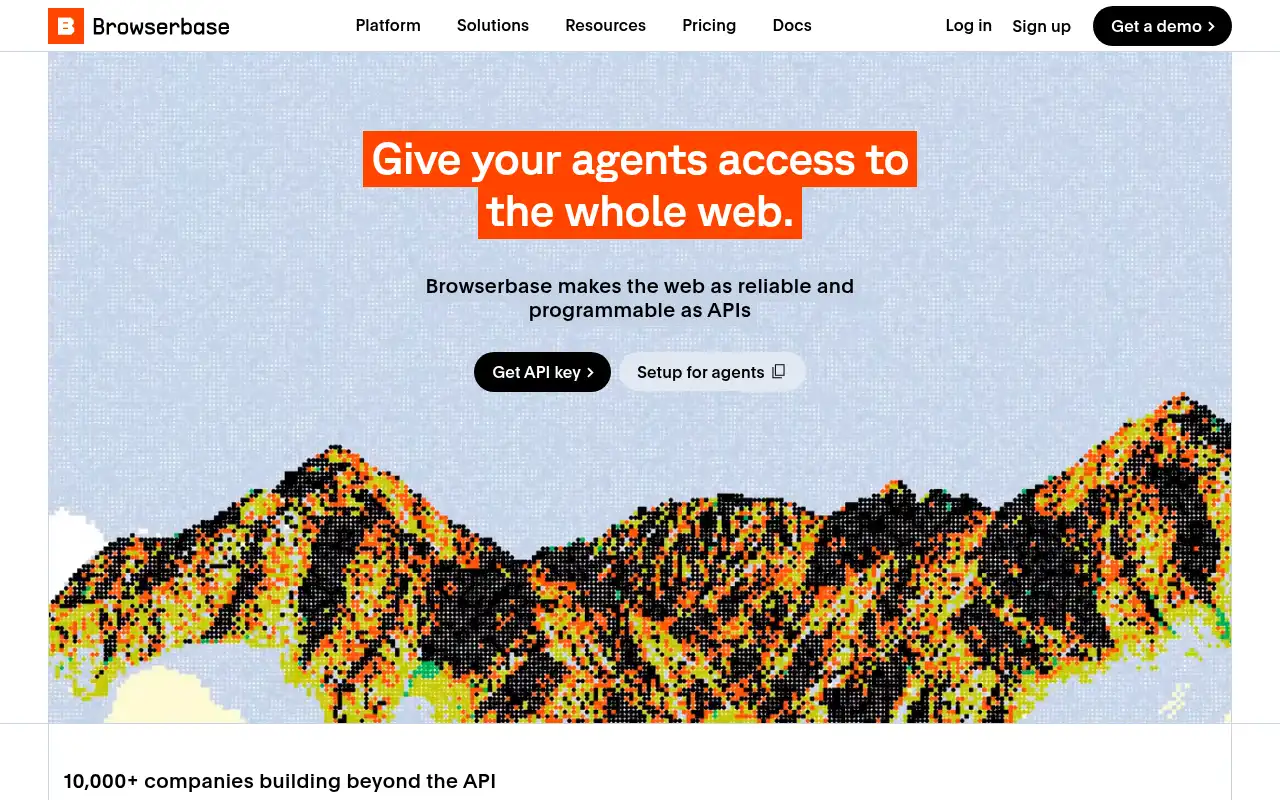
Browserbase is a cloud-native browser infrastructure platform built specifically for AI agents and complex web automation workflows. It provides managed headless browser instances with session management, debugging tools, and stealth capabilities so AI agents can navigate websites, fill forms, and extract data at scale.
- Features: Serverless browser infrastructure, real-time session debugging, auto CAPTCHA solving, stealth mode for anti-bot bypass, Puppeteer and Playwright integration, Search and Fetch APIs, session recording and replay, and multi-project support.
- Why You Should Use It: If you're building AI agents that need to interact with the web, Browserbase is purpose-built for that. The stealth features and CAPTCHA solving handle the messy parts of real-world web automation. Session debugging and recording make it easy to troubleshoot agent behavior, and the serverless model means zero infrastructure management.
- Why Not: Browserbase is cloud-only with no self-hosting option. The usage-based pricing with multiple line items (browser hours, proxy bandwidth, Search API calls, Fetch API calls) makes cost forecasting tricky. For simple scraping or PDF generation, it's more complex than you need.
- Pricing: Free tier (1 browser hour, 3 concurrent browsers); Developer at $20/month (100 browser hours, then $0.12/hr); Startup at $99/month (500 browser hours, then $0.10/hr); Scale with custom pricing. No self-hosting option.
2. Hyperbrowser
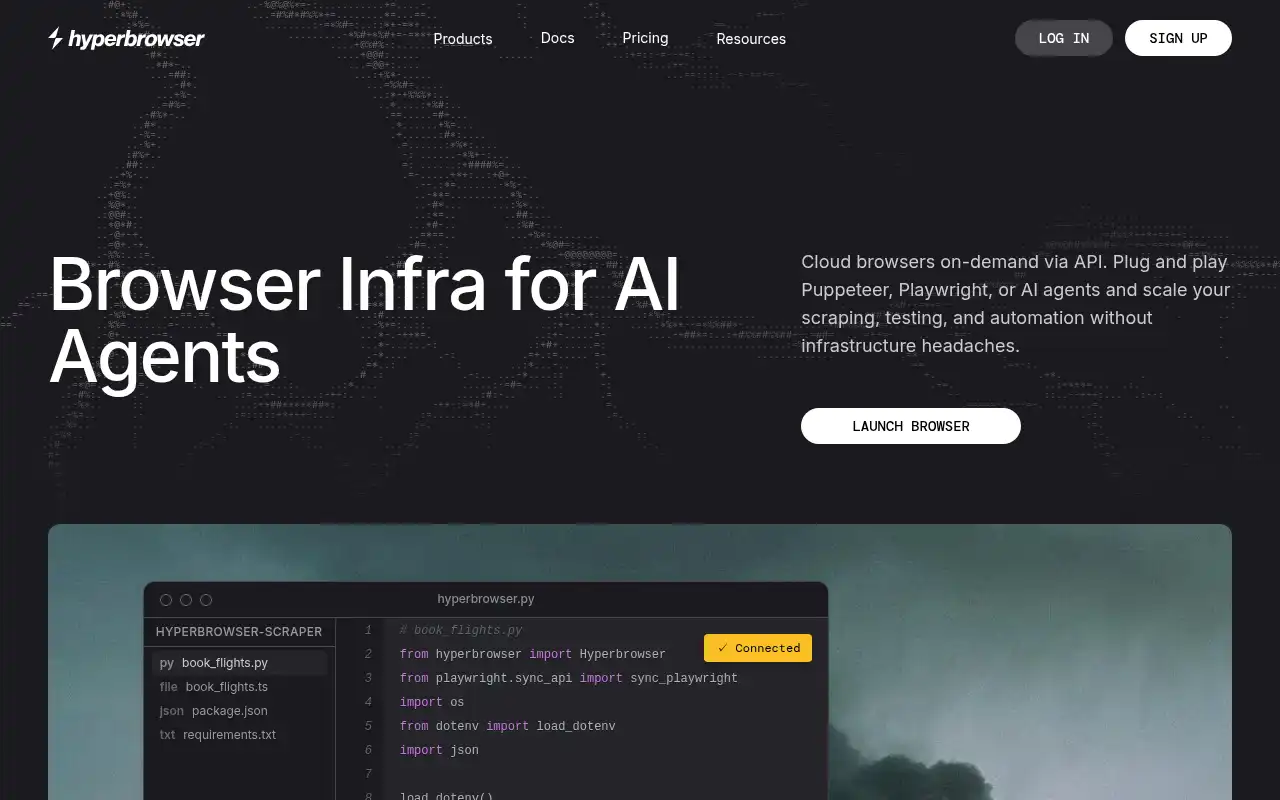
Hyperbrowser provides browser infrastructure purpose-built for AI agents, with advanced anti-detection, stable session management, and enterprise-level stealth. It focuses on letting AI agents reliably interact with websites that use bot detection, CAPTCHAs, and rate limiting.
- Features: Ultra-fast browser startup (<50ms), 10,000+ concurrent sessions, smart proxy management, enterprise stealth mode, automatic CAPTCHA solving, session isolation, REST APIs and SDKs, MCP (Model Context Protocol) integration, and 99.99% uptime SLA.
- Why You Should Use It: If your main challenge is anti-bot detection and you need browsers that can bypass CAPTCHAs and fingerprinting at scale, Hyperbrowser excels here. The sub-50ms startup times and massive concurrency support make it ideal for high-throughput AI agent workloads. MCP integration is a nice bonus for plugging into modern AI frameworks.
- Why Not: Credit-based pricing makes it hard to predict monthly costs, especially with variable workloads. The platform is cloud-only with no self-hosting option. For straightforward headless browser tasks without anti-detection needs, it's overkill.
- Pricing: Free tier (1,000 credits, 1 concurrent browser); Startup at $30/month; Scale at $100/month; Enterprise with custom pricing. All plans use a credit system where credits are consumed per session.
3. Steel
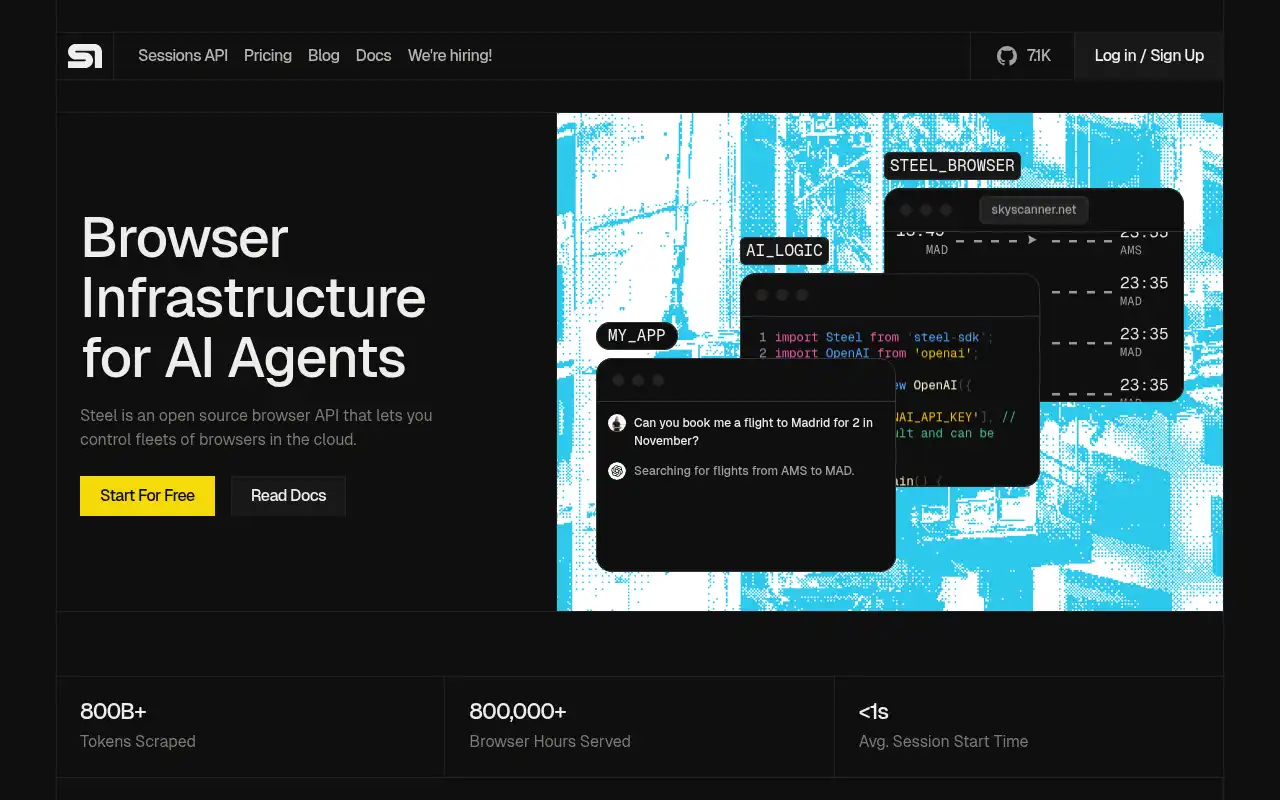
Steel is an open-source browser API designed for AI agents and apps. Built under the Apache 2.0 license, it lets you control fleets of browsers in the cloud or on your own infrastructure. Steel handles session management, authentication persistence, and anti-detection while you focus on your automation logic.
- Features: Open-source (Apache 2.0), Docker self-hosting, CAPTCHA solving, proxy and fingerprinting controls, sessions up to 24 hours, sub-second startup, Puppeteer and Playwright compatibility, session recording, and a hosted cloud option for convenience.
- Why You Should Use It: If you want the flexibility of self-hosting without giving up modern features like CAPTCHA solving and stealth, Steel is your best bet. The open-source license means no vendor lock-in, and you can run it on your own server for €9/month instead of paying per-session fees. The cloud option is there when you need it.
- Why Not: Self-hosting requires more setup effort compared to Browserless's one-click deploy. The cloud pricing can get expensive at higher tiers ($499/month for Startups). The project is newer than Browserless, so the community and documentation are still growing.
- Pricing: Hobby tier is free (100 browser hours/month); Starter at $29/month (290 hours); Developer at $99/month (1,238 hours); Startups at $499/month (9,980 hours). Self-hosting is completely free, you only pay for infrastructure.
4. ScrapingBee
ScrapingBee takes a different approach by providing a web scraping API that manages headless browsers behind the scenes. Instead of giving you direct browser access, you send HTTP requests and ScrapingBee handles the rendering, proxy rotation, and anti-bot measures for you.
- Features: Simple REST API for scraping, built-in JavaScript rendering, proxy rotation across residential and datacenter IPs, Google Search API, stealth mode for anti-detection, screenshot capture, no-code integration with Make.com, and support for all programming languages via HTTP.
- Why You Should Use It: If your use case is primarily web scraping and you don't need direct browser control, ScrapingBee is the simplest option. No browser sessions to manage, no WebSocket connections to maintain. Just send an HTTP request with a URL and get back the rendered HTML, a screenshot, or structured data. The proxy rotation means you rarely get blocked.
- Why Not: You don't get direct browser access, so you can't run custom Puppeteer or Playwright scripts. The credit multiplier system means costs vary wildly depending on features used (JS rendering costs 5x, stealth costs 75x). Not suitable for browser testing, PDF generation, or interactive workflows. No self-hosting option.
- Pricing: Free trial with 1,000 credits (no card required); Freelance at $49/month (150,000 credits); Startup at $149/month; Business at $599/month. Annual billing saves about 20%. Credit costs vary by feature: basic HTML = 1 credit, JS rendering = 5, premium proxies = 25, stealth = 75.
5. Selenium Grid
Selenium Grid is the open-source standard for distributed browser automation. It lets you run browser tests and automations across multiple machines in parallel, supporting Chrome, Firefox, and Edge. If you need a battle-tested, self-hostable solution with zero licensing costs, Selenium Grid delivers.
- Features: Fully open-source (Apache 2.0), supports Chrome, Firefox, and Edge, distributed execution across multiple nodes, Docker-based deployment, dynamic scaling, WebDriver BiDi support, session queuing, parallel test execution, and a massive ecosystem of language bindings (Java, Python, JavaScript, C#, Ruby).
- Why You Should Use It: If your primary use case is automated testing rather than scraping, Selenium Grid is the industry standard. It's completely free, supports all major browsers, and has the largest ecosystem of tools, frameworks, and community resources. Docker-based deployment makes self-hosting straightforward, and you can scale horizontally by adding more nodes.
- Why Not: Selenium Grid doesn't include a REST API for scraping, screenshots, or PDF generation out of the box. You need to write WebDriver code to interact with browsers. There are no built-in anti-detection or CAPTCHA solving features. Setting up and maintaining a grid with multiple browser nodes requires more operational effort than a managed service like Browserless.
- Pricing: Completely free and open-source. Self-hosting costs depend on your infrastructure, typically $10-50/month for a small grid on a VPS. Commercial managed grids like BrowserStack or Gridlastic charge subscription fees starting around $30/month.
Conclusion
| Tool | Best For | Ease of Setup | Focus | Cloud Pricing |
|---|---|---|---|---|
| Browserless | REST API browser automation | Very Easy | Headless browser service | Browserless Free - $350/mo |
| Browserbase | AI agent web interaction | Easy | AI-native browser infra | Browserbase Free - $99/mo+ |
| Hyperbrowser | Anti-detection at scale | Easy | Stealth browser infra | Hyperbrowser Free - $100/mo+ |
| Steel | Self-hosted browser API | Moderate | Open-source browser API | Steel Free - $499/mo |
| ScrapingBee | Simple web scraping | Very Easy | Scraping API | ScrapingBee $49 - $599/mo |
| Selenium Grid | Browser testing | Moderate | Distributed test grid | Free (open-source) |
Each tool fills a different gap: Browserbase and Hyperbrowser for AI agent workflows with stealth, Steel for an open-source self-hostable browser API, ScrapingBee for no-hassle web scraping, and Selenium Grid for distributed browser testing.
Browserless remains a great choice for teams that want a clean REST API for headless browser tasks like screenshots, PDFs, and scraping. But if you need AI-native features, built-in anti-detection, or a fully open-source solution, one of these alternatives might be a better fit.
If you want to self-host Browserless, check out our guide on self-hosting Browserless the easy way.